
Features built for a pilot's day-to-day
Everything you need to log your flights, in an app that is simple to use.
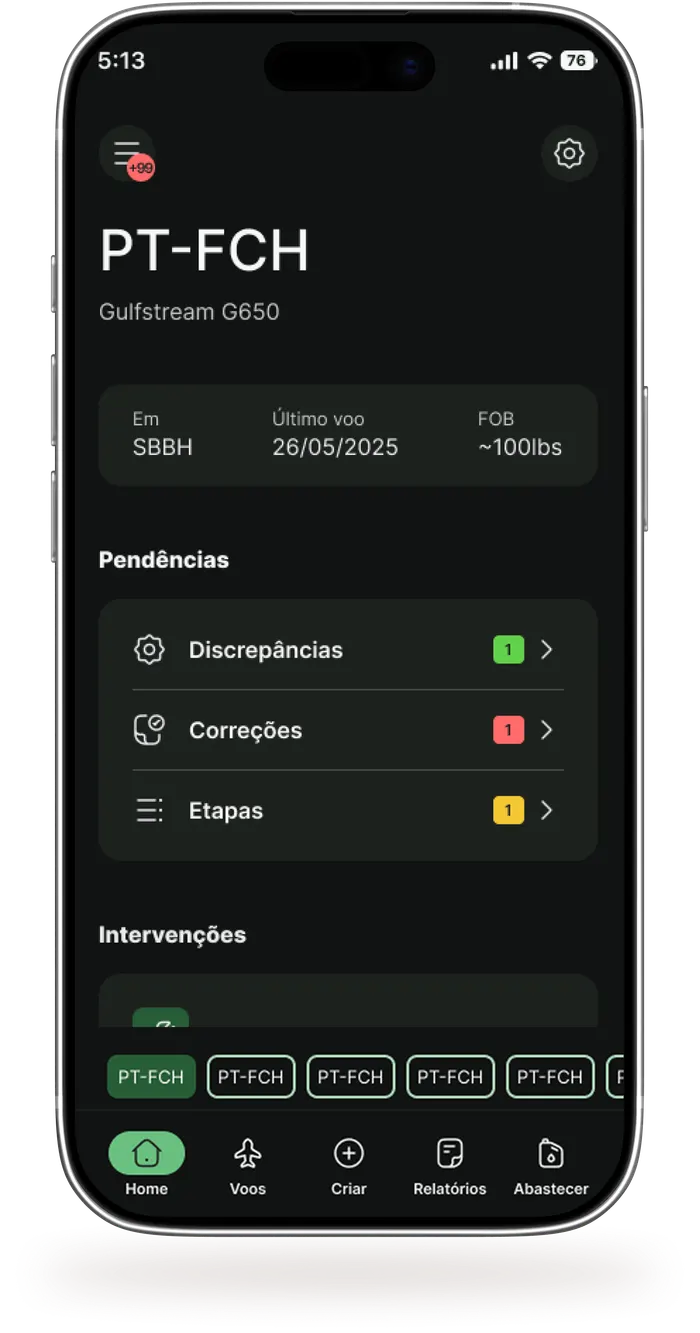
Mobile-first design
Available for iOS and Android, with a simple interface for pilots who are always on the move.
Log flights in just a few taps, with no errors and no rework
Record your flight legs in a few steps. Zuloo fills in several fields automatically and does the math for you.
Settings and customization
Set up Zuloo your way. Global settings define how you prefer to use the app. Per-aircraft settings belong to the operator, who defines how the aircraft should be operated.
Test with as many aircraft as you need
Once your account is created you can register your aircraft, real or fictitious, at no cost. Register as many as you need and use Zuloo alongside your paper logbook to compare the two in practice.
More features:

Categorize your flights
Create your own TAGs to categorize flights. A flight can carry several tags at once, which helps the operator see each leg more clearly.

Get notified about everything that happens
In the Notification Center you can set up to 20 notification types for each aircraft.

Additional operations
Track refueling, VOR tests and Database/FMS updates.

PDF reports
For a ramp inspection or for the operator's own records, generate a PDF report of your flight legs, in ANAC format or "Physical Logbook" format.

Information security
Data is stored in the cloud. In OFFICIAL MODE, each record is electronically signed with a digital certificate, which prevents unauthorized changes and keeps a record from being disputed.

Online, offline and multi-device use
Log legs in areas without coverage or use more than one device. When you are back online, automatic sync brings everything up to date.

Regulatory compliance
Zuloo is approved by ANAC and keeps up with the latest aviation regulations, so your operation stays compliant.

Available in three languages
Use Zuloo in Portuguese (default), English or Spanish.
How it works
1
Download and install
Get Zuloo from the App Store or Google Play. Creating an account takes under 2 minutes and requires no documents.
2
Register your aircraft
Add your real or fictitious aircraft. For real aircraft, we look it up in the RAB and pre-fill the data. You just adjust a few settings and preferences.
3
Open an initial volume
Open the initial volume of the Electronic Flight Logbook for this aircraft, entering the totals to be used.
4
Start logging your flights
From here the aircraft can receive flight leg records in NON-OFFICIAL mode. Use this mode to test Zuloo and see for yourself what the Electronic Flight Logbook does better than paper.
5
Official ModeSwitch to official mode and replace your paper logbook
Whenever you are ready, we help you request the LOA or E.O. to activate Zuloo as your Digital Flight Logbook in Official Mode.

Download Zuloo now
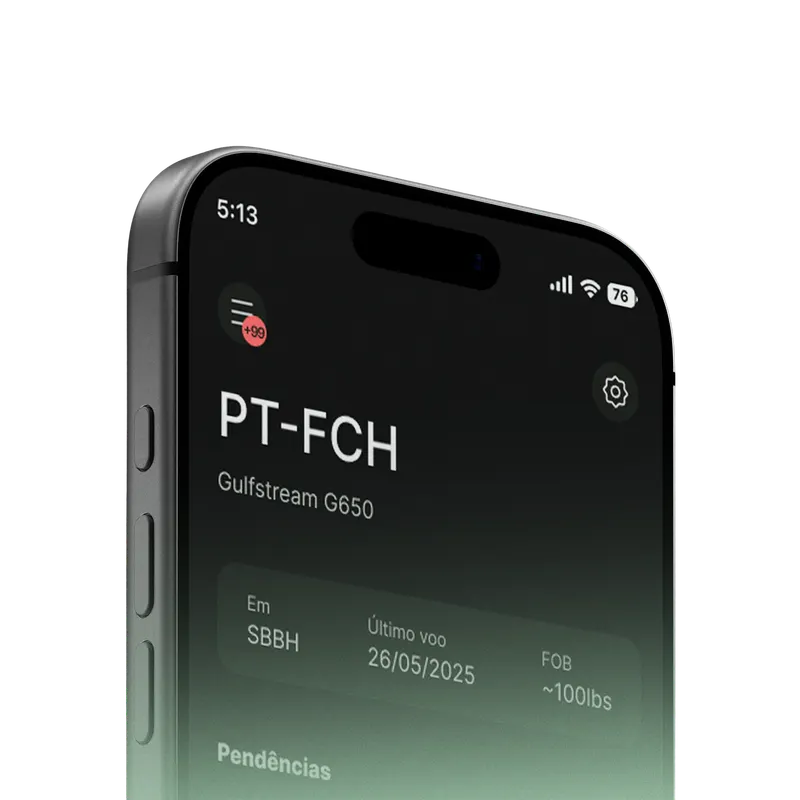
Available for iOS and Android. Start logging your flights today.